 Ateliê de Assets
Store screenshots that sell your app
Icon, screenshots, store banner and mockups for the App Store and Google Play. Start from 34 designer themes, or paste your site and let AI build the whole set.
No account. No cloud. Your projects stay on your computer.


- 34screenshot themes
- 102ready palettes
- 9banner layouts
- 14mockup scenes
- 24icon templates
- 3systems
A look for every kind of app
Eight categories, three palettes each. Captions, devices, badges and stickers all stay editable, and the sample screens give way to yours.
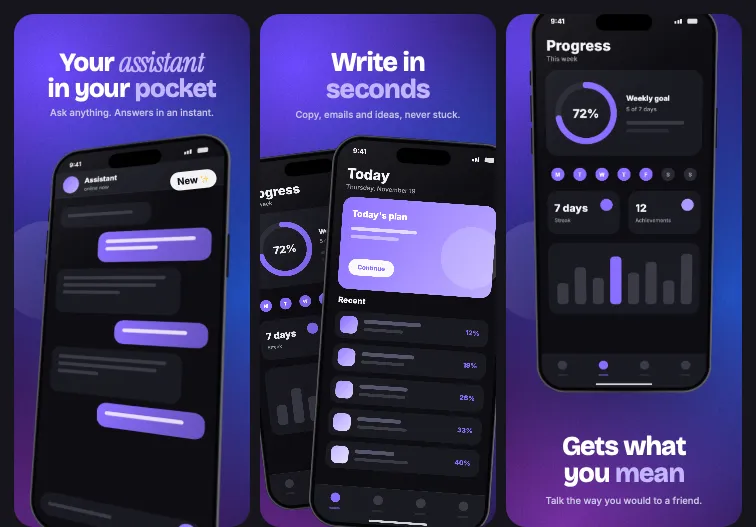 AuroraFREEAI and assistants
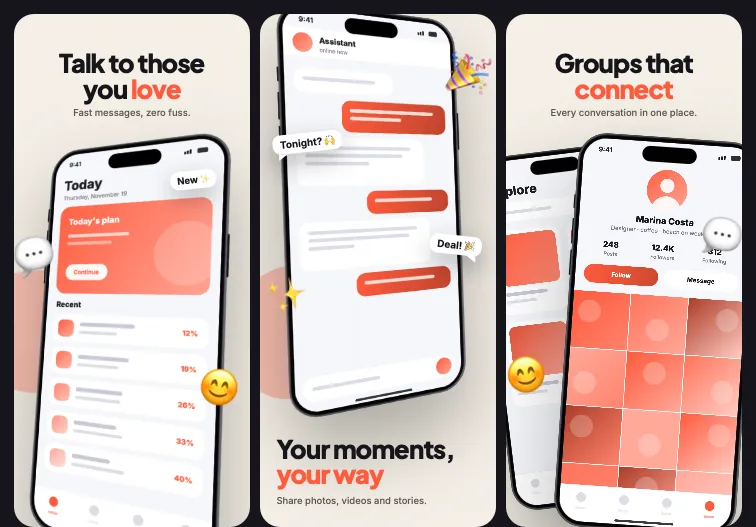 BubbleFREESocial and chat
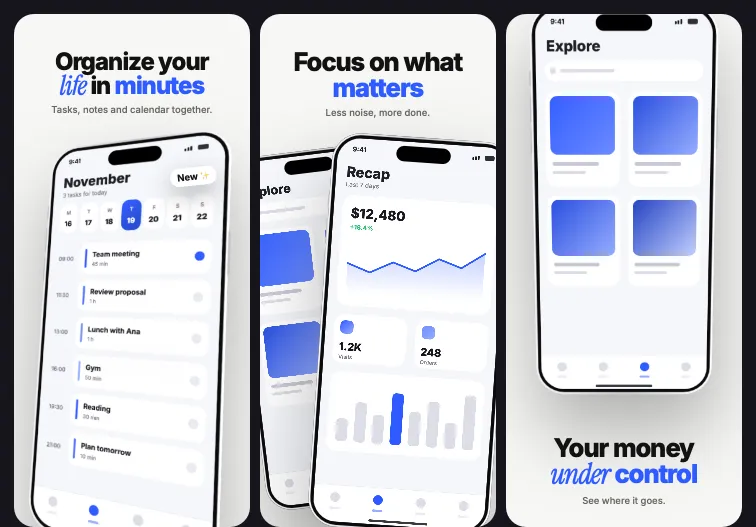 FocusFREEProductivity and finance
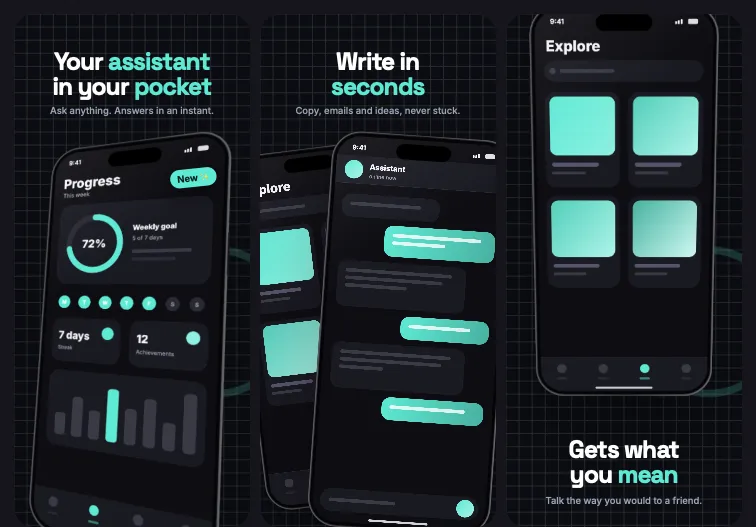 NeuralPROAI and assistants
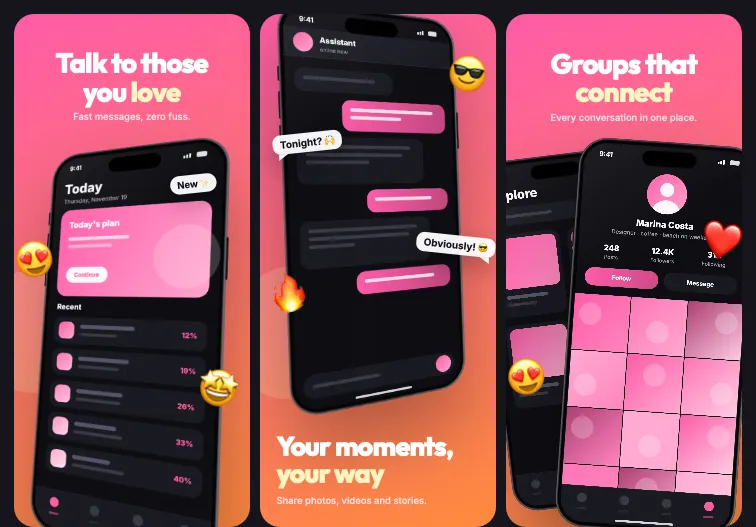 PulsePROSocial and chat
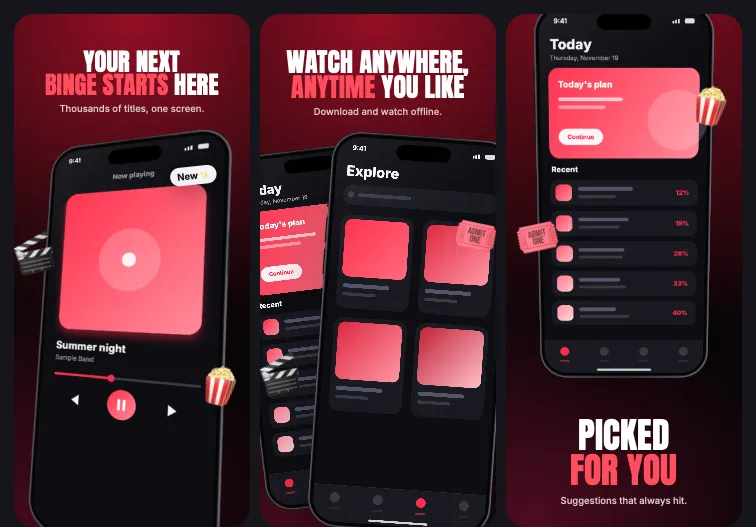 CinemaPROVideo and entertainment
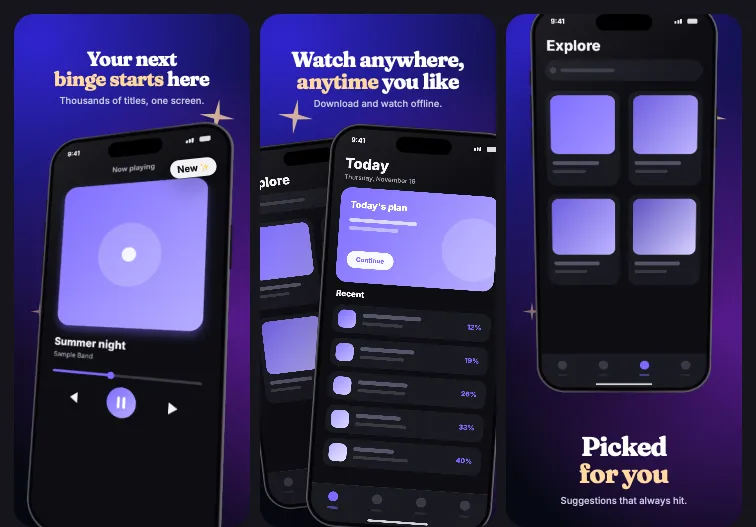 StreamPROVideo and entertainment
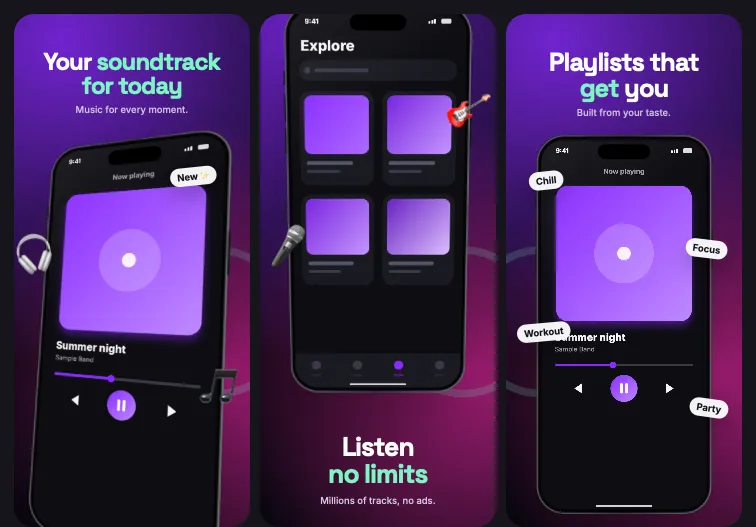 VinylPROMusic and audio
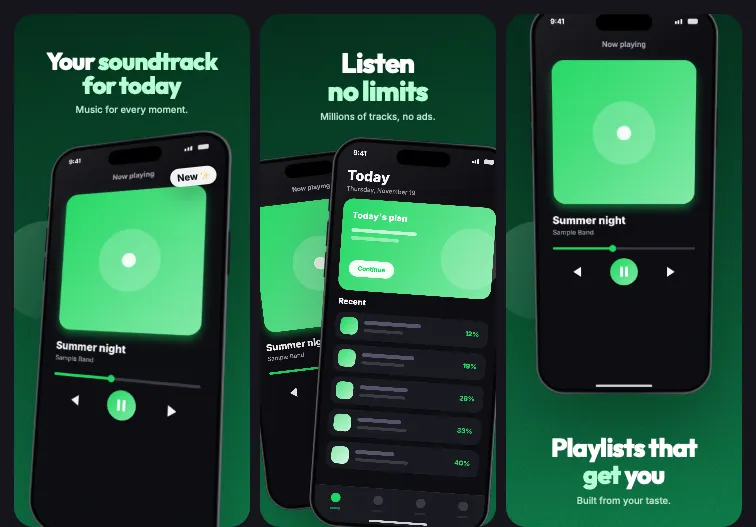 WavePROMusic and audio
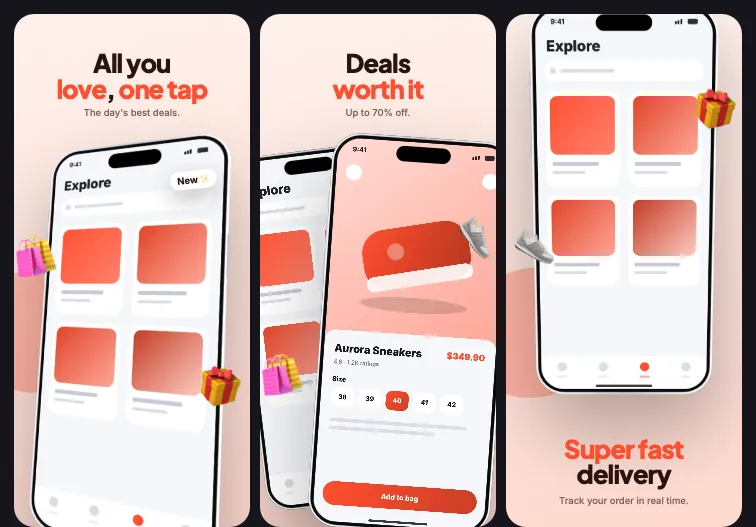 MarketPROShopping
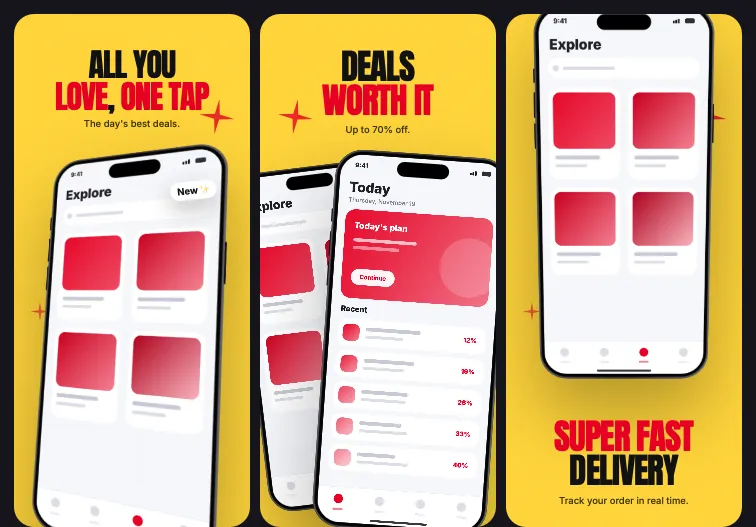 FlashPROShopping
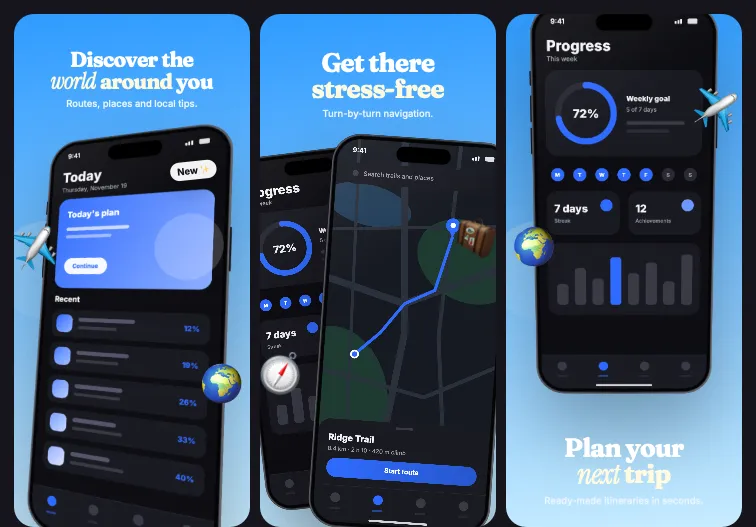 VoyagePROTravel and maps
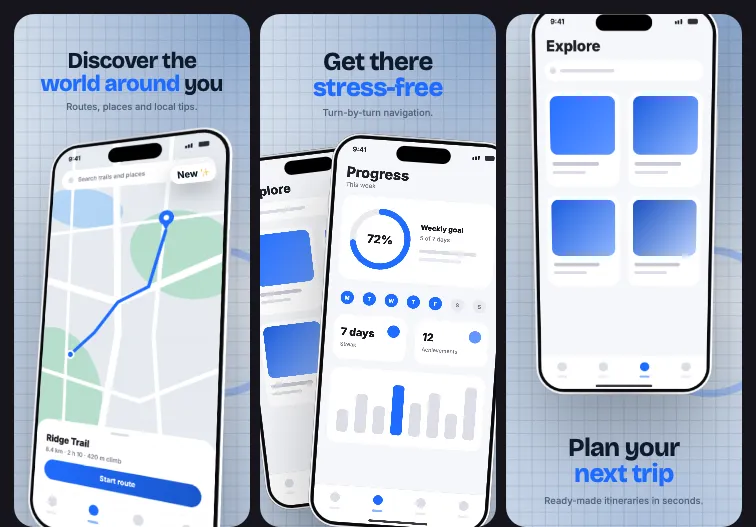 AtlasPROTravel and maps
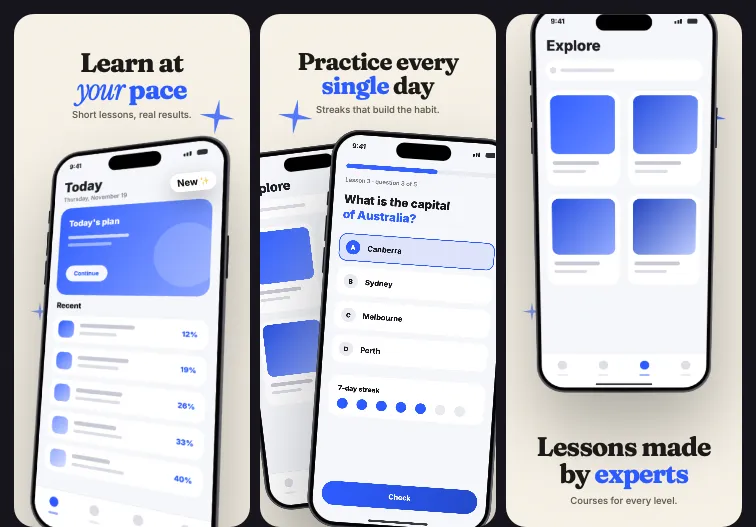 CampusPROEducation
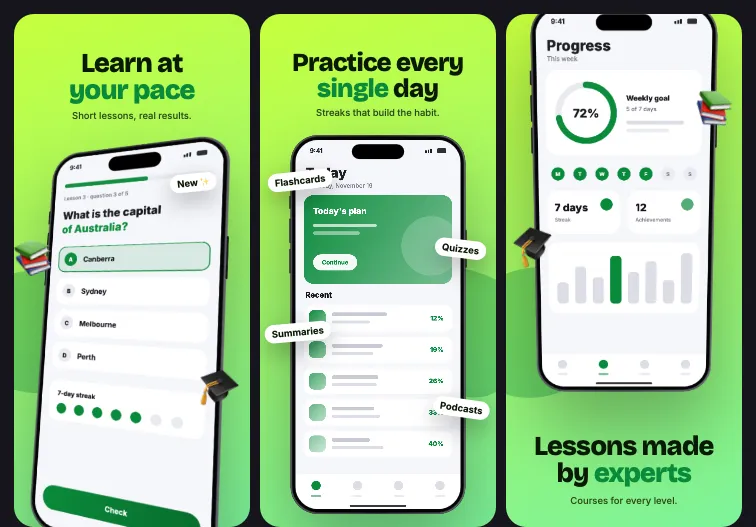 SparkPROEducation
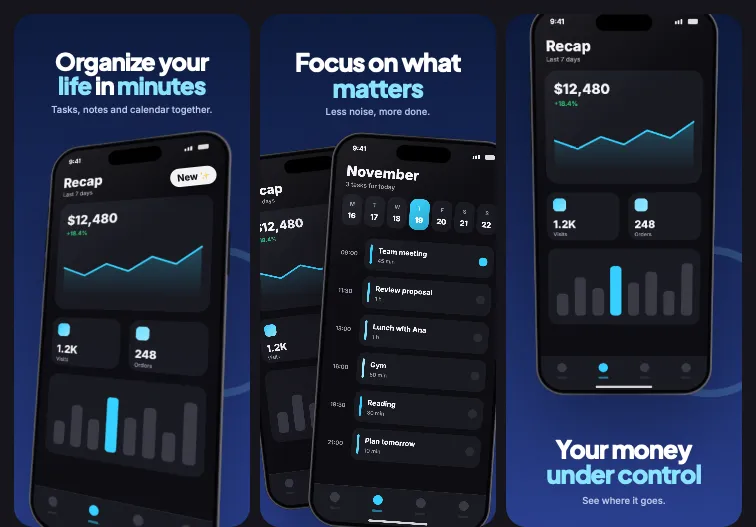 LedgerPROProductivity and finance
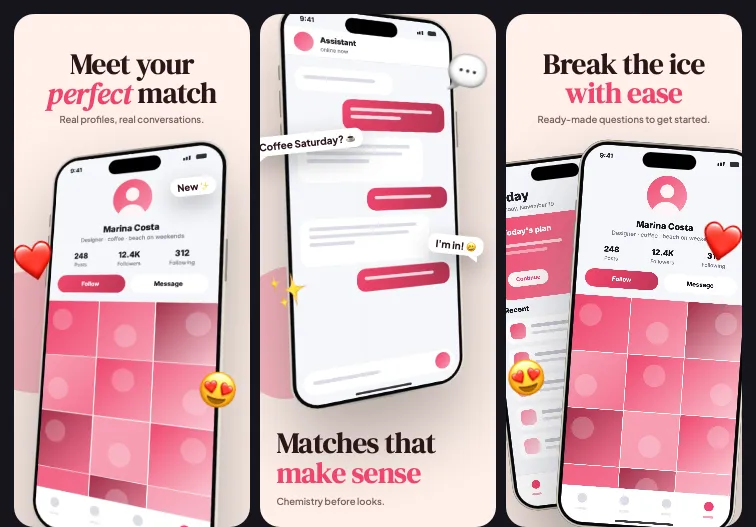 FlirtPROSocial and chat
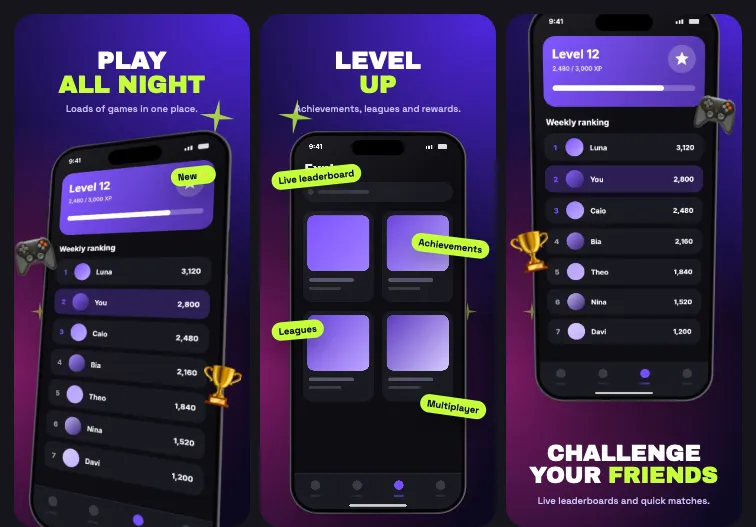 JoystickPROVideo and entertainment
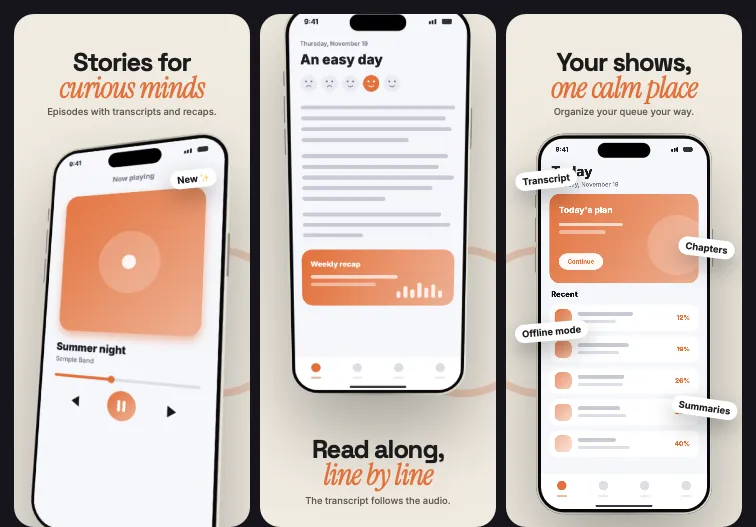 BoothPROMusic and audio
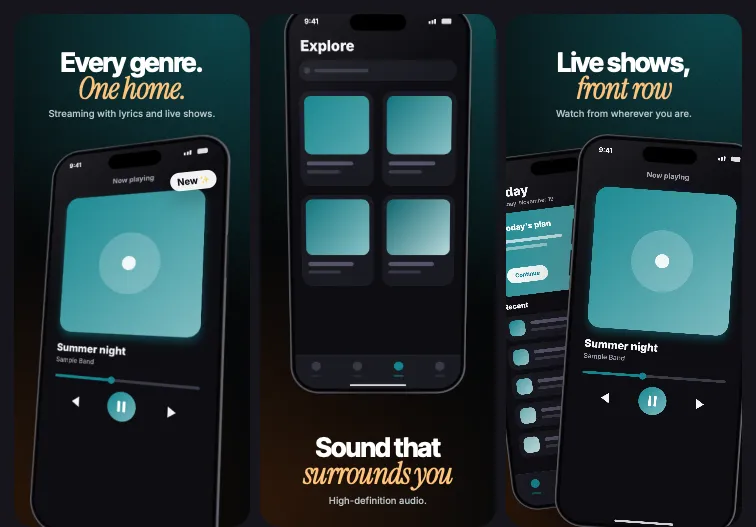 StagePROMusic and audio
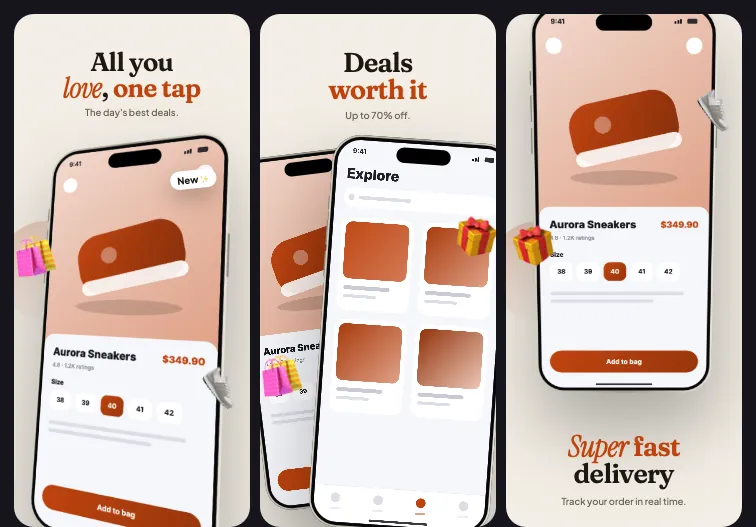 StorefrontPROShopping
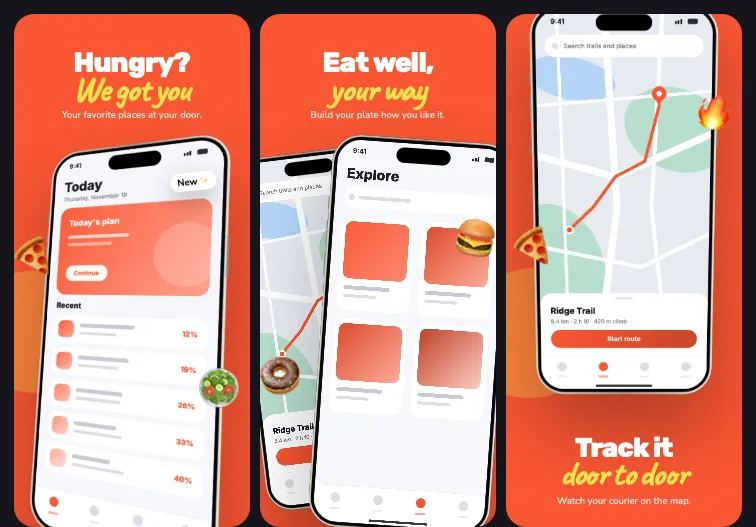 FlavorPROShopping
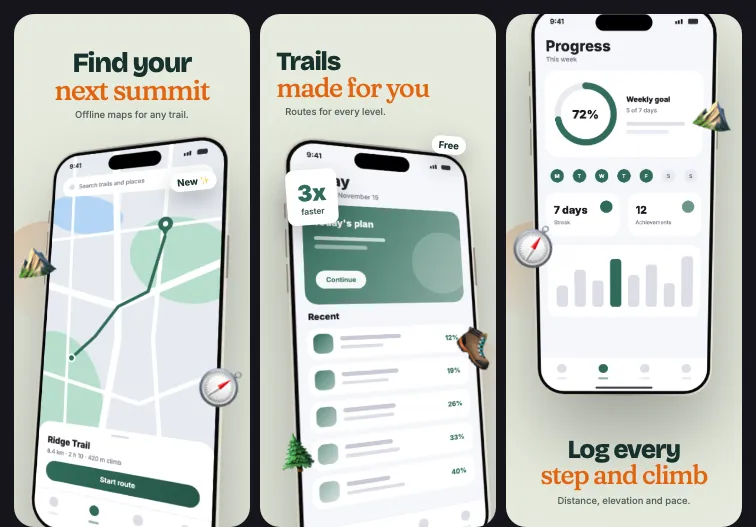 TrailPROTravel and maps
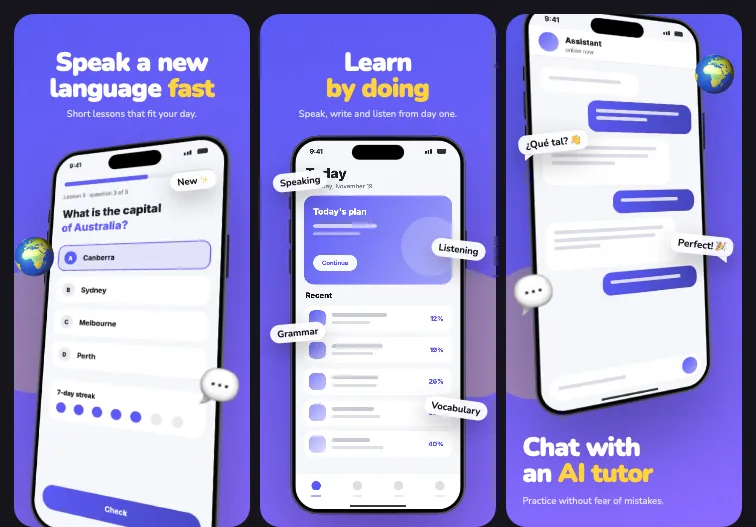 PhrasePROEducation
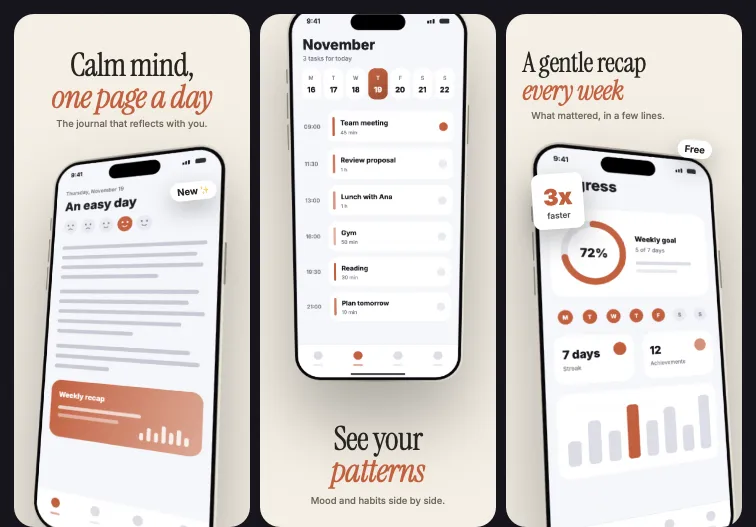 JournalPROProductivity and finance
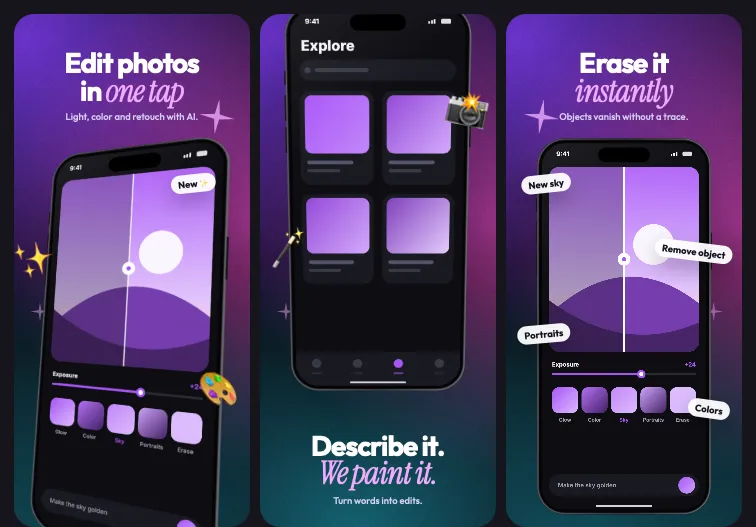 SpectrumPROAI and assistants
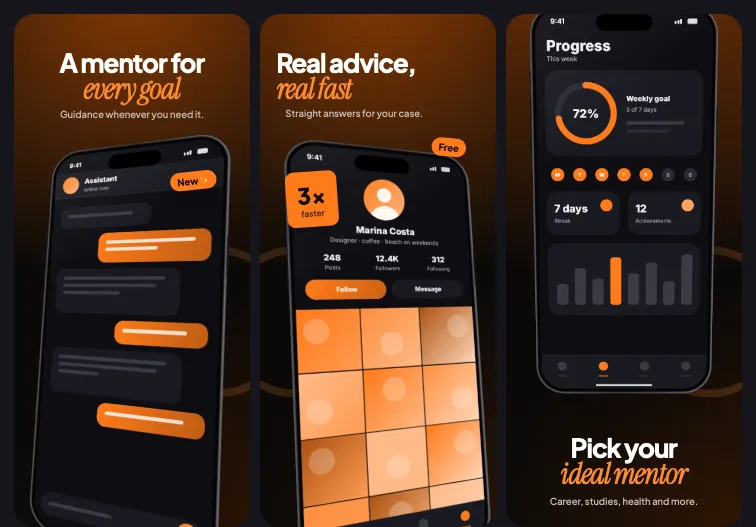 MentorPROAI and assistants
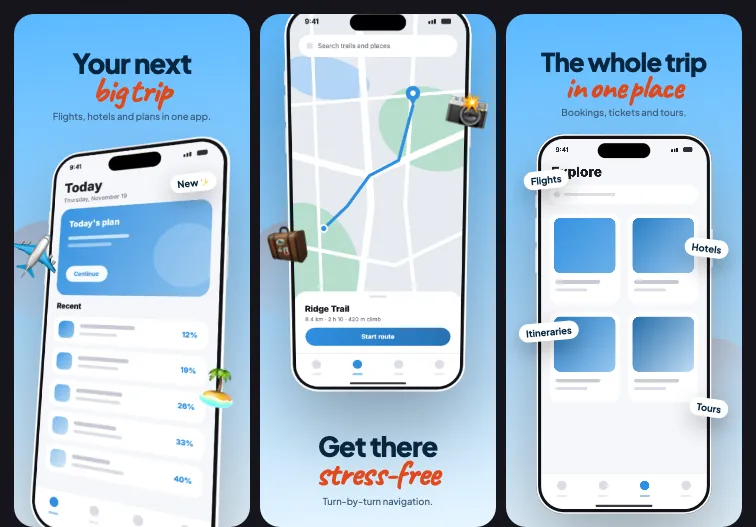 GetawayPROTravel and maps
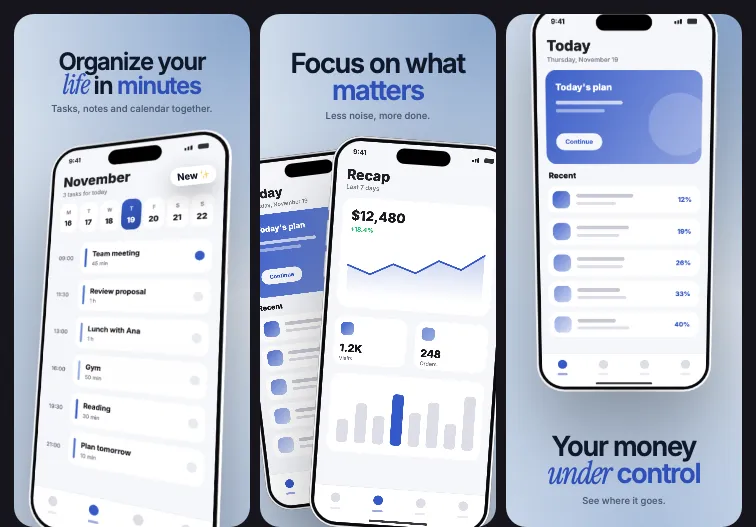 FrostPROProductivity and finance
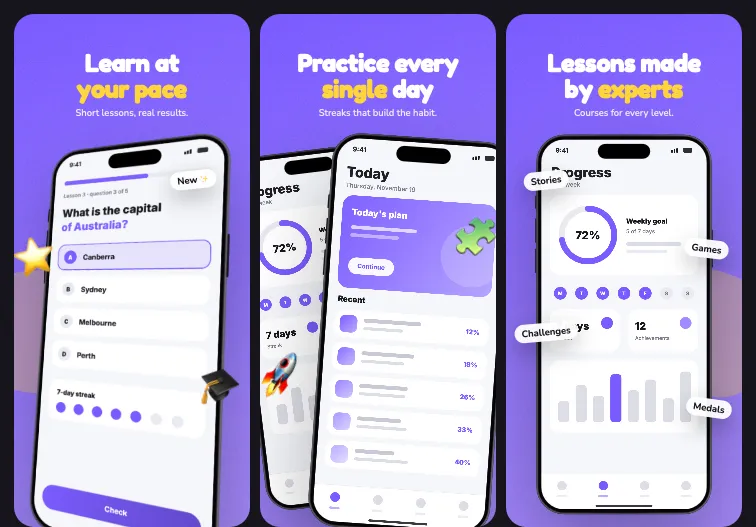 ShinePROEducation
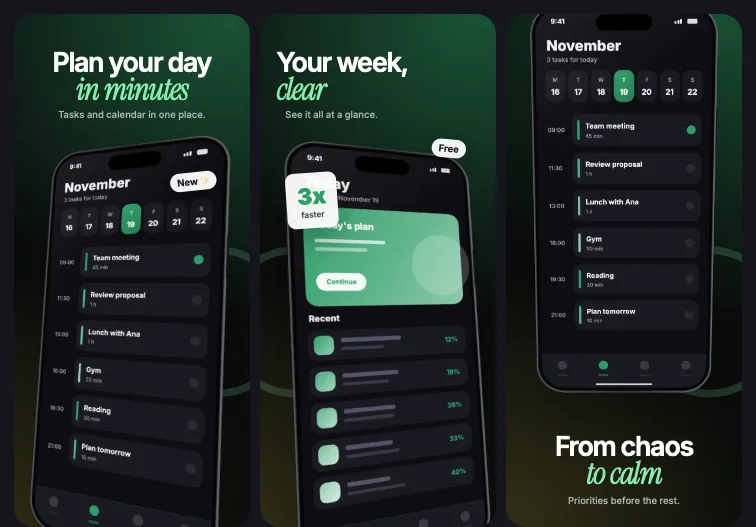 CadencePROProductivity and finance
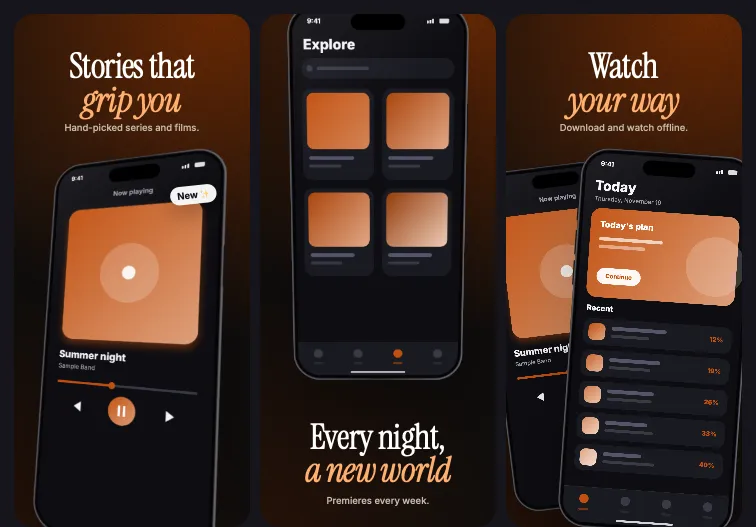 EpicPROVideo and entertainment
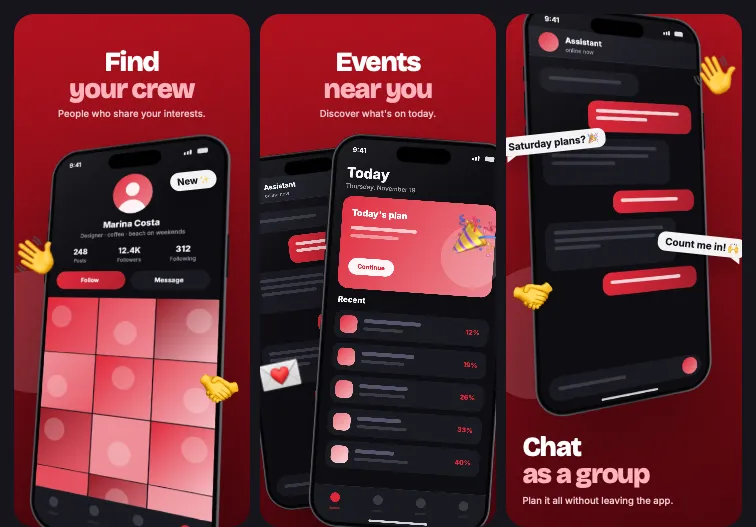 CrewPROSocial and chat
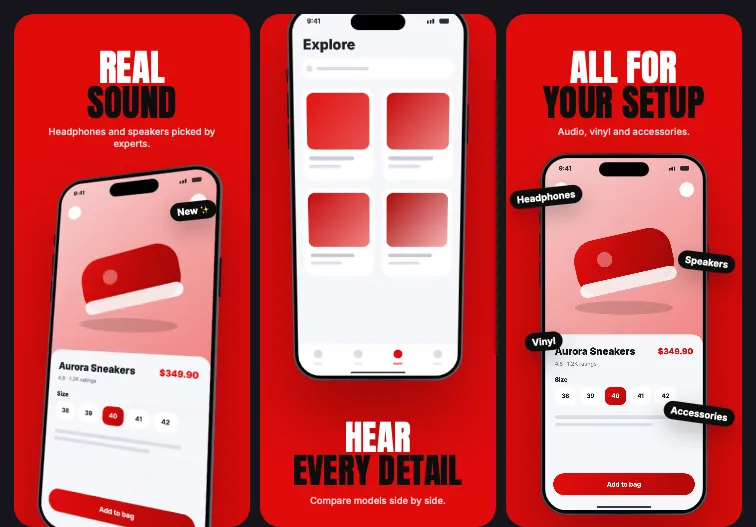 VolumePROShopping
Edit right on the slide
Drag, resize and rotate anything. What you see is what the store gets, at the exact size each store asks for.
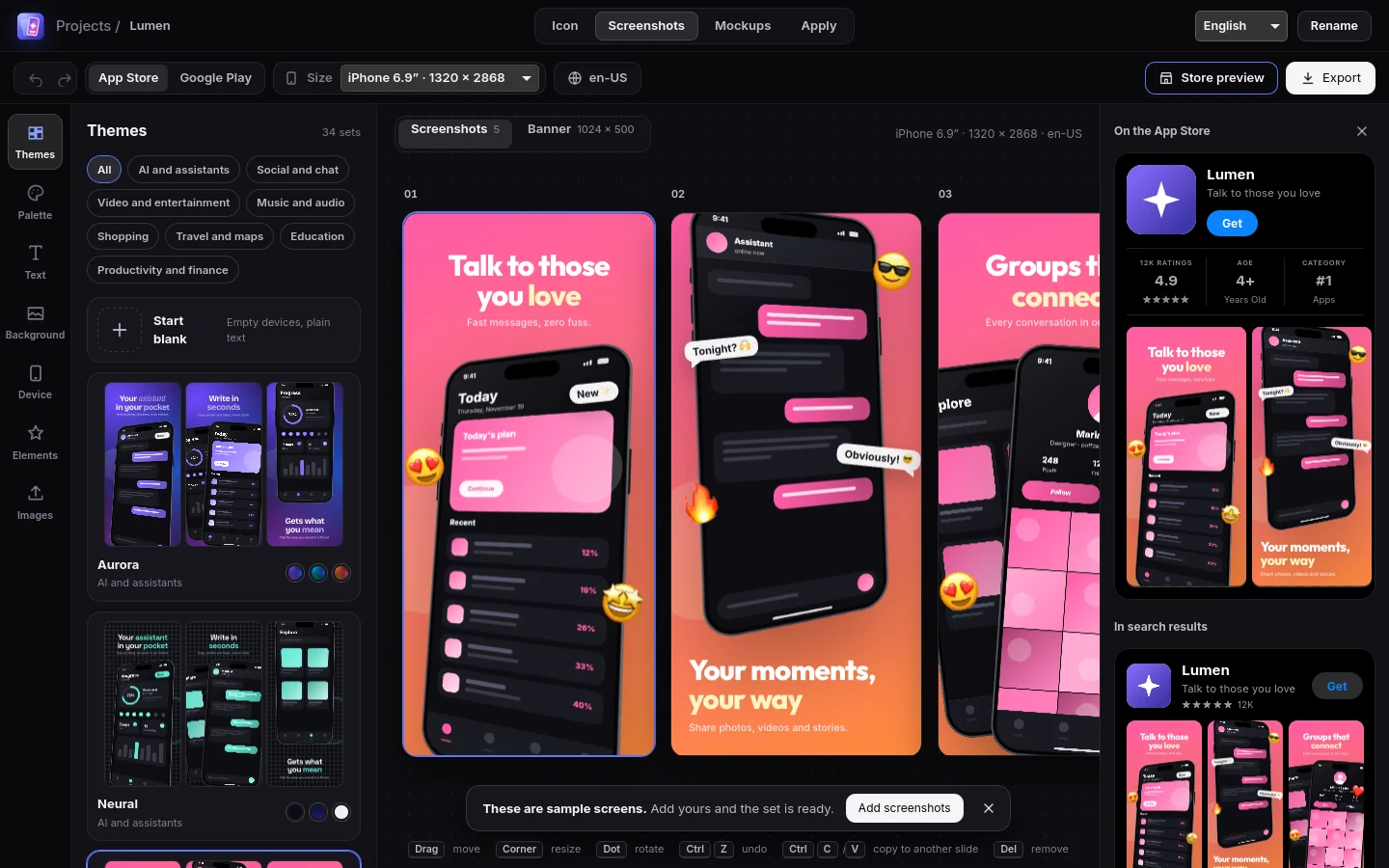
- iPhone 6.9", 6.3" and 6.1", iPad 13", Android phone and tablet
- Devices in 3D, with five frame finishes
- Badges, ratings, review cards, stickers and shapes
- Captions in several languages in one project
- Undo for everything
Everything the store asks for
One project holds the icon, the screenshots in every size, the feature graphic and the marketing mockups.
Screenshots
34 themes, three palettes each. Text, 3D devices, badges, stickers and shapes edited right on the slide.
Store banner
9 layouts for the Google Play feature graphic. Switching layouts keeps your text and screens.
Mockups
14 scenes with phone, tablet, laptop, monitor and browser window. Export up to 3×, with a transparent background if you like.
App icon
24 templates and 30 shapes. See the icon on the iPhone and Android home screens and export every size in one ZIP.
Project palette
One change repaints every slide, every size and the banner. Color-theory schemes with readable contrast built in.
Store preview
See the product page and the search result of the App Store and Google Play with your icon, screens and banner.
AI mode
Enter the product's site. The AI reads the page, takes the icon and brand colors and builds the whole project.
Apply to your app
Installs the assets into your Xcode, Flutter or Android project, with a preview of what changes, a backup and undo.
From a web address to a finished project
For when you want to start with everything in place. The result opens in the same editors, so every caption and color is still yours to change.
- Enter the siteThe app reads the title, description, copy, icon and the colors the page uses.
- The AI plansName, five captions, banner line, visual theme and colors, using only what the site says.
- The project opensIcon, five screenshots, banner and a mockup scene, already in the brand's colors.
- ChatGPT subscription, through Codex
- Claude subscription, through Claude Code
- Your OpenAI API key
- Your OpenRouter API key
You bring the AI: your own subscription or API key, billed by your provider. The AI is told not to invent ratings, awards or numbers, and sample badges of that kind are left out of generated projects.
One palette, every screen
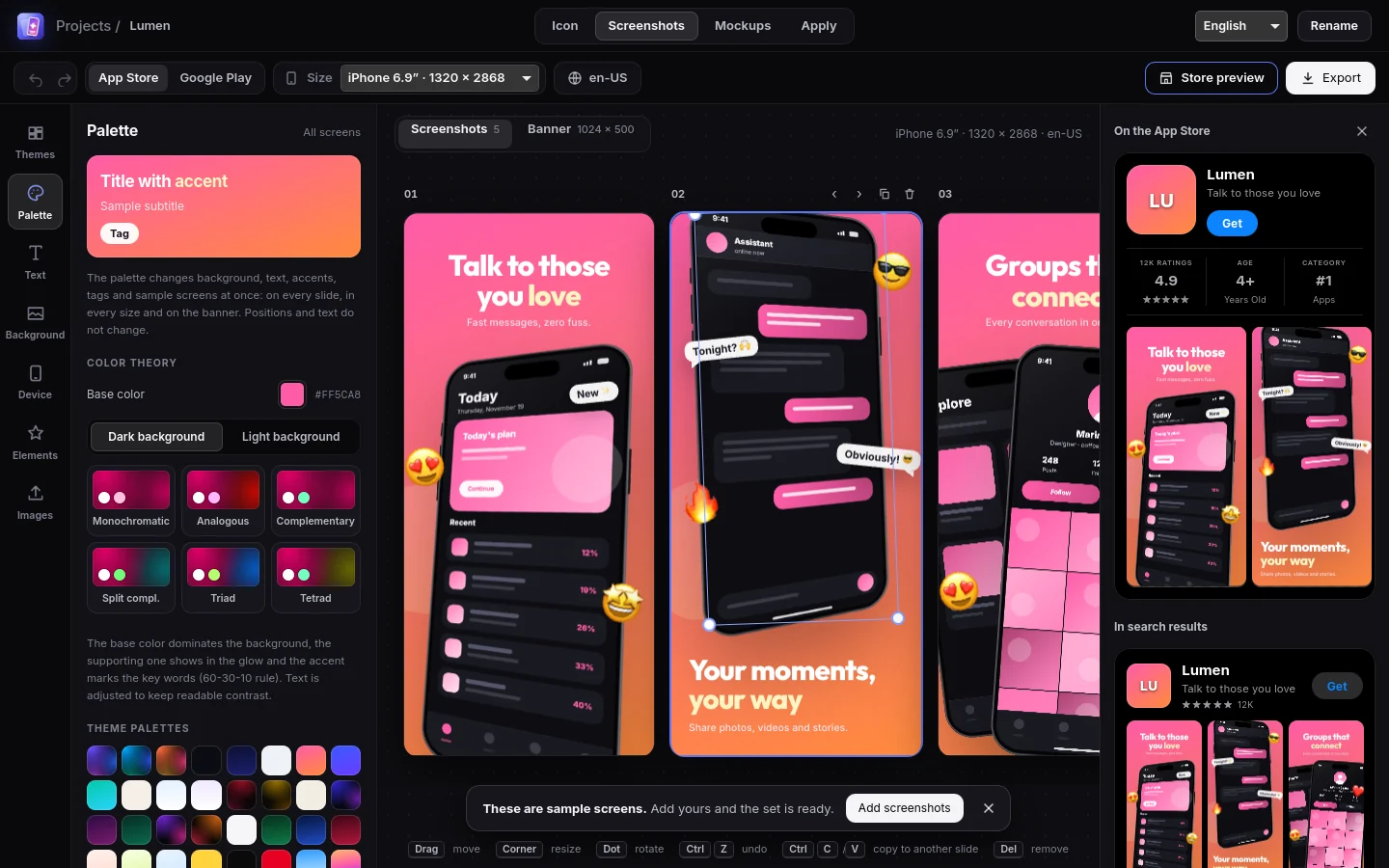
Pick a base color and a scheme: monochrome, analogous, complementary, split complementary, triad or tetrad.
- 60-30-10 rule for background, support and accent
- Headlines and subtitles adjusted for readable contrast
- Over 100 ready palettes, editable color by color
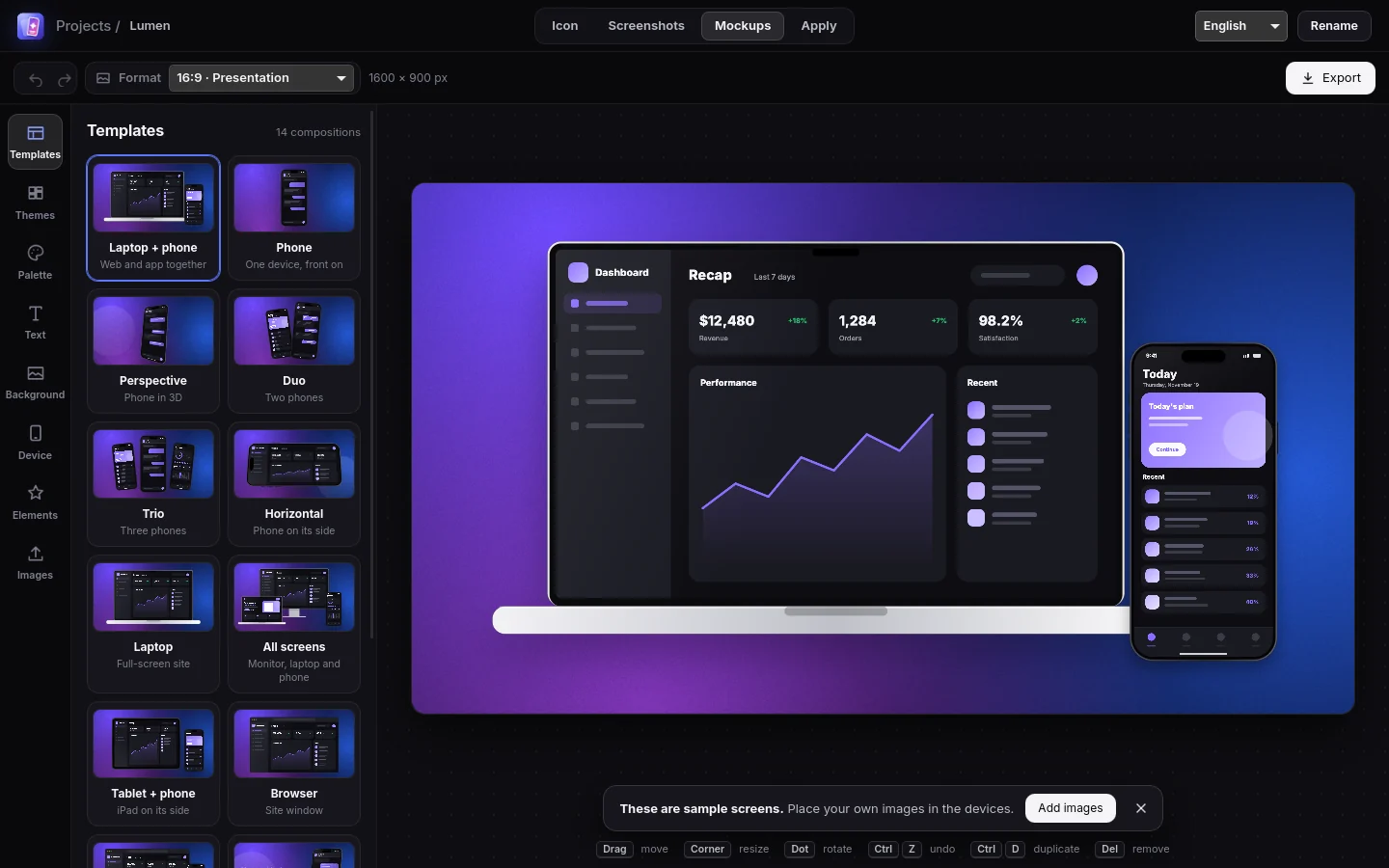
Mockups for your site, deck and social posts
Ready scenes with laptop, monitor, browser, tablet and phone, in 16:9, 1:1, 4:5, 9:16 and link-preview formats.
- Same themes and palette as the screenshots
- PNG with transparency, or JPG
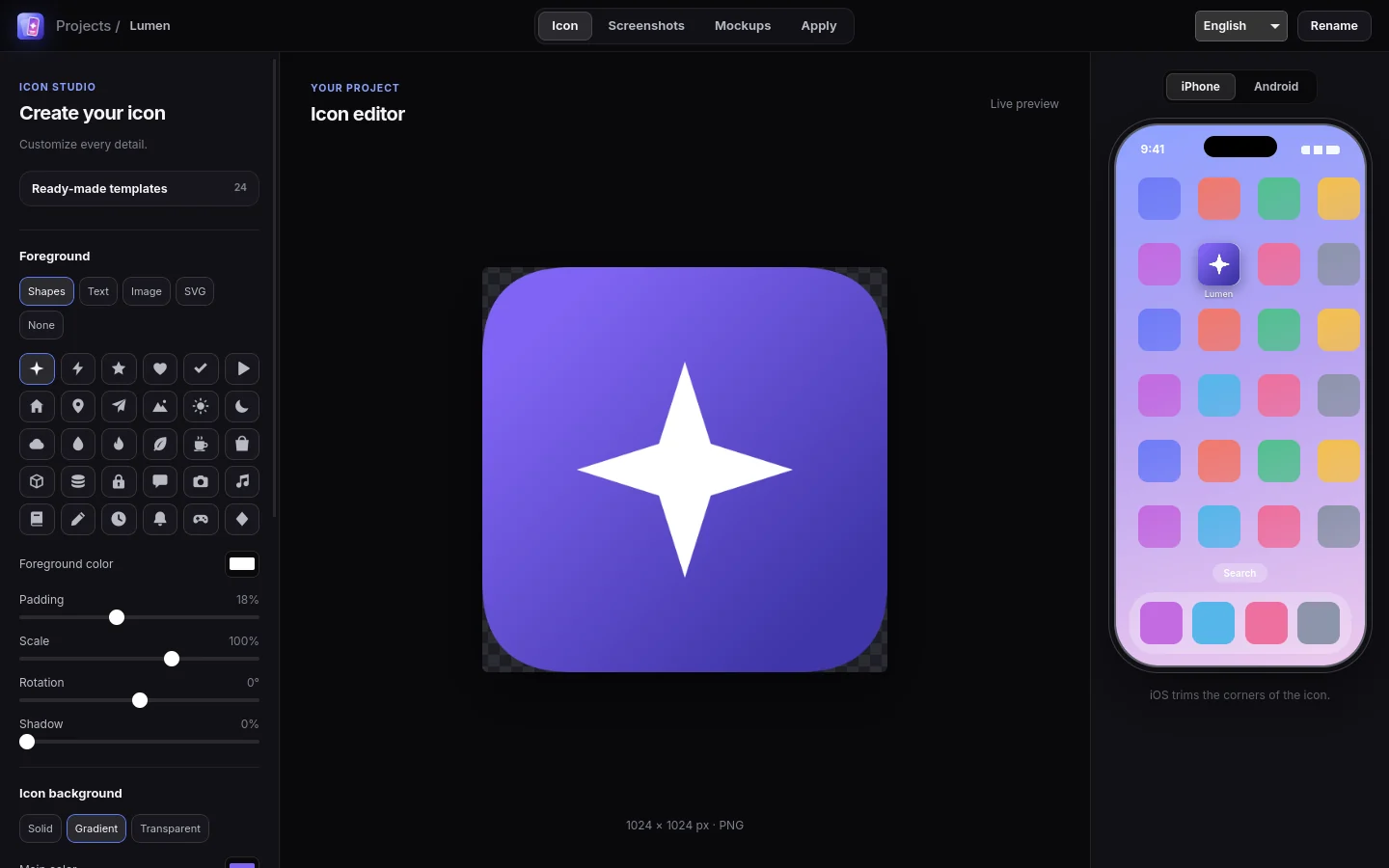
The icon, the way it will look
Start from a template or bring your image, and watch the icon sit on the home screen while you edit.
- Rounded corners on iPhone, circle on Android
- ZIP with every iOS and Android size
Free to use. $9.90 once for everything.
No subscription, no account. Pay one time and it is yours for good.
Free
$0forever
- Icon editor with 24 templates
- 3 screenshot themes and the blank canvas
- 3 store banner layouts
- Project palette and color schemes
- Store page preview
- Every export size, no watermark
- Apply to your Xcode, Flutter or Android project
Pro
$9.90one time, lifetime
- Everything in Free
- All 34 screenshot themes
- All 9 store banner layouts
- Mockups: 14 scenes for site, deck and social
- AI mode with your own ChatGPT or Claude account, or your OpenAI or OpenRouter key
Secure checkout by Stripe. Your license key appears right after payment.
Your work stays with you
No account, no cloud
Projects and images are kept on your computer. The app works without internet in manual mode.
AI only when you ask
In AI mode, the public text of the site goes to the provider you chose. Nothing else leaves the machine.
Keys in the system vault
API keys live in the operating system's password vault, such as the macOS Keychain. Subscriptions use the login already on your computer.
Download
Free. The same app on the three systems.
The installers are not code-signed yet. On macOS, right-click and choose "Open" the first time; on Windows, choose "More info" and "Run anyway".
Questions
Is the free version really free?
Yes. No time limit, no watermark and no account. You get the icon editor, three screenshot themes plus the blank canvas, three banner layouts, the palette tools, the store preview and every export size.
What does Pro add?
Every screenshot theme and banner layout, the mockup editor and the AI mode. It is one payment of $9.90, not a subscription.
Do I pay for AI usage?
Not to us. The AI mode works with your own ChatGPT or Claude subscription, or your own OpenAI or OpenRouter API key, and that provider bills whatever you use.
How do I activate Pro?
After the checkout you see your license key. In the app, click "Get Pro", paste the key and press "Activate". The check is done on your computer, so it keeps working offline.
Can I use it on more than one computer?
Yes. The same key activates the app on your own computers, on any of the three systems.
Where are my projects stored?
On your computer. There is no account and nothing is uploaded; you can export a project to a file to move or back it up.